


Mechatronics is a field of engineering that combines both mechanical and electrical engineering and is used in the development of gadgets like the smartphones you use and in the design of advanced automatic vehicles.
Solidwork is a solid modeling CAD (Computer Aided Design) and CAE (Computer Aided Engineering) software that makes the designing process easy for a Mechatronics engineer. Solidworks online courses are available for getting self-trained with certification.
Why SolidWorks is Used?
Solidworks consists of various programs that can be used for making 2D and 3D designs. The reason why most engineers opt for Solidworks is that the software assists development of a mechatronics system from the beginning to the end. This feature-rich software comes with everything you will need in designing, from modeling, planning, and prototyping features to automation, cloud services, and many more!
Why SolidWorks is Better?
What makes Solidworks a design-friendly software is not only its features but the fact that it is easy to learn. For the same reason, Solidworks is used by both students as well as experts in the field of Mechatronics.
If you are looking for a Solidworks online course certification to guide you through the Whats and Whys of the software, let us help you out by enlisting some of the best courses out there. If you are already familiar with the concepts of CAD and CAE, it will be easier for you to grasp the concepts, but even if you are a beginner, with the help of these courses, you can learn the software in no time!
12 Best Solid Works Online Courses
Here are a few best Solidworks online courses out there that we handpicked for you with which you can become an expert in 2D and 3D designing in no time!
1. SOLIDWORKS: Become a Certified Associate Today [Udemy]

If you have no prior knowledge of designing and are looking for a way to learn to design using Solidworks, this Udemy course is one of the bests out there for you. With a 4.5 star rating, this course ranks number #1 when it comes to Solidworks online course certification. By taking this course, you can master the software from scratch, even without any basic knowledge about it, and get qualified to become a certified Solidworks associate.
This Solidworks Udemy course created by Tayseer is one of the best Solidworks online courses and is available in 8 additional languages apart from English. On completing this course, you will receive a course completion certificate from Udemy.
Topics Covered:
- Basic Solidworks interface and navigation
- Sketching and application of basic features
- Solidworks complex features
- Material and mass properties
- Assemblies
- 2D drawings
- Final test
Rating: 4.5
Duration: 4.5 hours
Certificate: Yes
Pros: Affordable, Clear, concise, and popular.
Cons: Some reviewers state that certain features and functions are not covered.
2. Solidworks Course 2023 [Udemy]
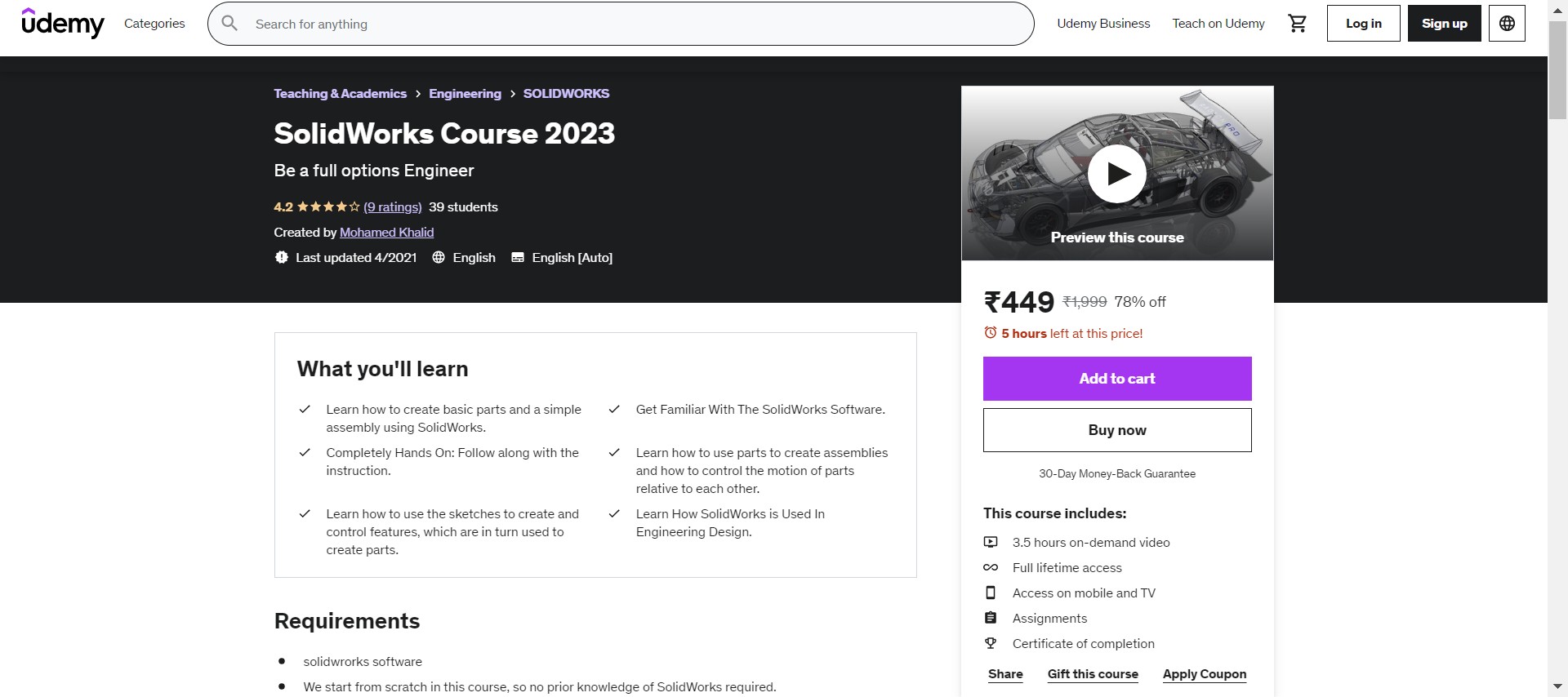
This Solidworks Udemy course comes with a complete hands-on approach that will guide you step-by-step throughout the process. Such a practical approach will let you handle the Solidworks features in a more application-level manner.
This beginner-level course is tutored by Mohamed Khalid, an experienced FORMULA student team member Skilled in AutoCAD, SolidWorks, Matlab, Simulink, Supply Chain, Presentation Skills, and Microsoft Excel and hence is one of the best finds for your search for Solidworks online courses.
You don’t require any prior knowledge, and this course will be really helpful if you are looking for learning how Solidworks is used in Engineering design.
Topics Covered:
- User Interface
- Solidworks sketch fundamentals
- Create parts and assembly fundamentals
- Five hands-on projects
Rating: 4.2
Duration: 3.5 hours
Certificate: Yes
Pros: Tutored by an experienced person, creative projects, and popular.
Cons: Bad subtitles.
3. Introduction to Solidworks [Udemy]
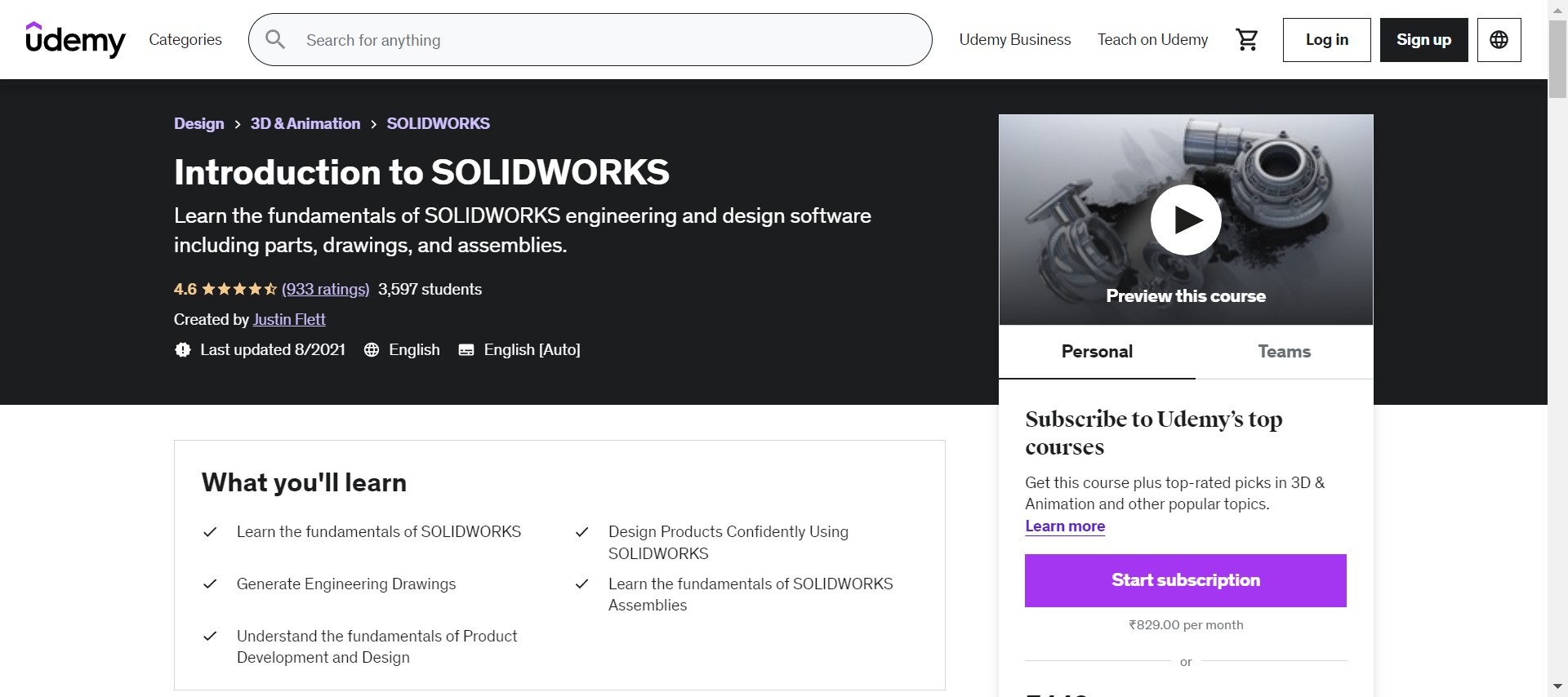
This Udemy course created by Justin Flett, a Mechanical Engineer and a certified professional in Solidworks, is everything that you will need to get introduced to this designing software and is one of the best Solidworks online courses out there. The course is dedicated to beginners and is designed in such a way that all available features of Solidworks are introduced, along with the required tools to create projects in CAD and CAE.
The step-by-step approach of this course will make sure that you are never overburdened with too many technicalities and instead lets you slowly get familiarised with the Solidworks software and then go deep into its features.
Topics Covered:
- Sketching
- Basic part modeling
- Revolved features
- Additional Commands
- Drawings
- Assemblies
Rating: 4.6
Duration: 2.5 hours
Certificate: Yes
Pros: Tutored by an experienced person, beginner friendly, and popular.
Cons: Lack of real-life examples.
4. Mastering Product Design Using Solidworks [CloudKampus]
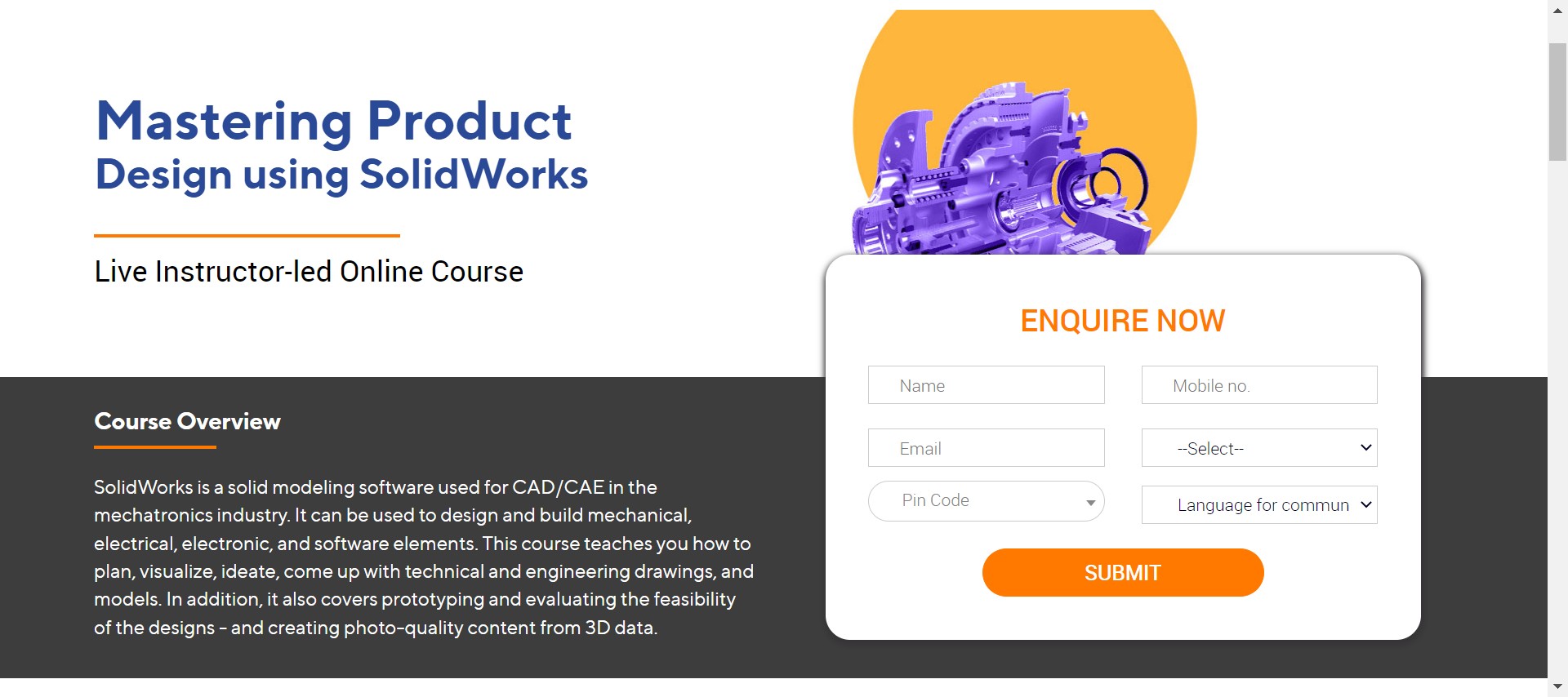
Mastering Product Design Using Solidworks Is a Course Specialized in Solidworks Software by Cloud Kampus. This Is a Live Instructor-Led Online Course, and If You Are Looking for A More Comprehensive Approach to Mastering Solidworks, This Course Is Just for You!
This Course Is Focused on Teaching You Right from The Basics of Planning and Coming up With Ideas for Solidworks Designs and Applying the Software Features to Give Life to Them. You Will Also Be Trained to Analyze the Feasibility of The Designs Created Using Solidworks, Thereby Making You Ready for A More Professional Design Approach.
Topics Covered:
- Sketcher Basics
- Part Modeling
- Editing Features
- Library Features
- Surface Overview
- Bottom-Up Assembly
- Exploding Assemblies
- Sheet Metals
Rating: NA
Duration: 2 Hours/day
Certificate: yes
Pros: live Tutoring by An Experienced Person.
Cons: lack of Space for Doubt Clearance.
5. Master Solidworks 3 D Cad Using Real-World Examples [Udemy]
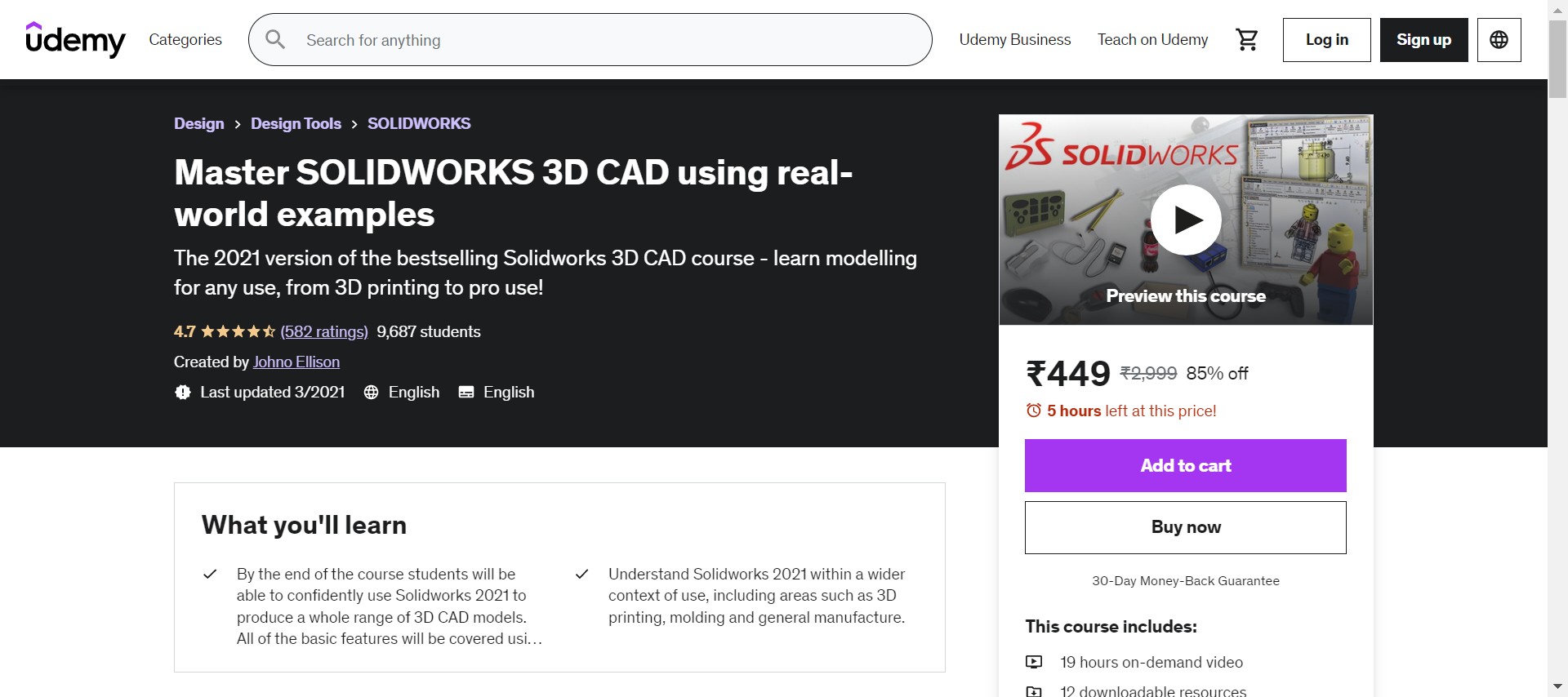
Johno Ellison, a Solidworks Professional, Created This Udemy Solidworks Course Keeping in Mind that It Should Be Completely Beginner Friendly in Nature as Well as Useful in Developing Skills in Solidworks. For This Reason, This Course Was Created by Analyzing the Previous User Reviews in A Notion to Make It More Learner-Friendly.
With No Pre-Required Knowledge Required, This Is One of The Best Solidworks Online Courses Available out There for You! the Course Is Designed in Such a Way as To Make You a Master of Solidworks Designing Software Even if You Are a Beginner.
Topics Covered:
- Solidworks Basics
- Learning Solidworks Features from Various Classes with Individual Real-Time Examples.
Rating: 4.7
Duration: 18.5 Hours
Certificate: yes
Pros: tutored by An Experienced Person with Real-Time Examples.
Cons: certain Reviewers State that The Tutoring Is Slow-Paced.
6. Getting Started with Solidworks Hands-On Learn by Doing [Udemy]
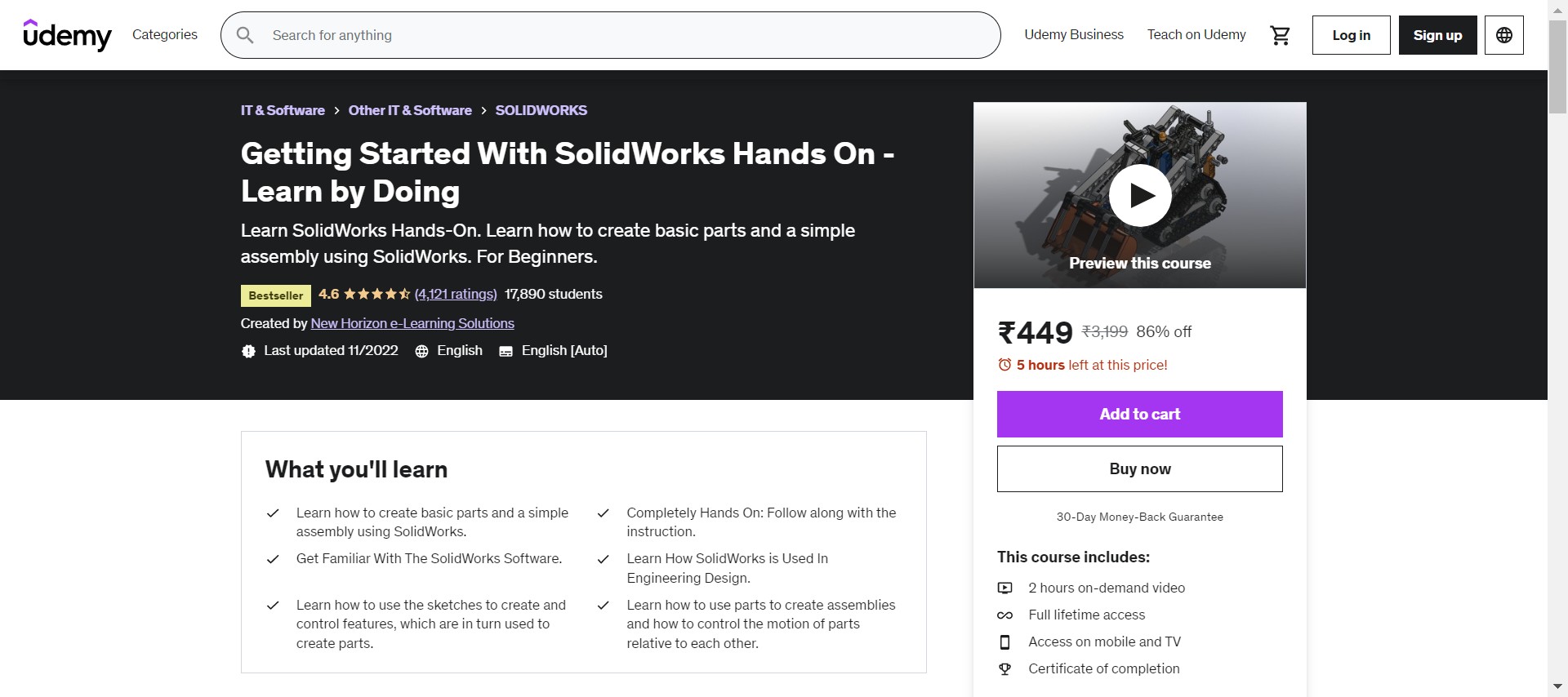
Wondering Whether You Can Become a Certified Solidworks Professional (CSWP) Even Though You Don’t Have Any Prior Knowledge? the Answer Is Never a No! After Completing This Udemy Course, You Can Confidently Add the Same to Your Skill Set, Stating that You Are Familiar with Professional Solidworks Designing.
Starting with An Approach to Make You Familiar with The Software, This Course Slowly Guides You Through the Solidworks Software and Its Features, Escalating Your Journey as A Solidworks Professional. If You Are Looking for One of The Best Solidworks Online Courses, Don’t Waste More Time, This Is It!
Topics Covered:
- Introduction to Solid Works and User Interface.
- Various Projects to Cover Different Solidworks Features in Designing.
- Assembly
- Common Errors and Fixes
Rating: 4.6
Duration: 2 Hours
Certificate: yes
Pros: a Great Introductory Course for Solidworks.
Cons: uses an Old Solidworks Version.
7. Complete Solidworks Beginners Course [Udemy]
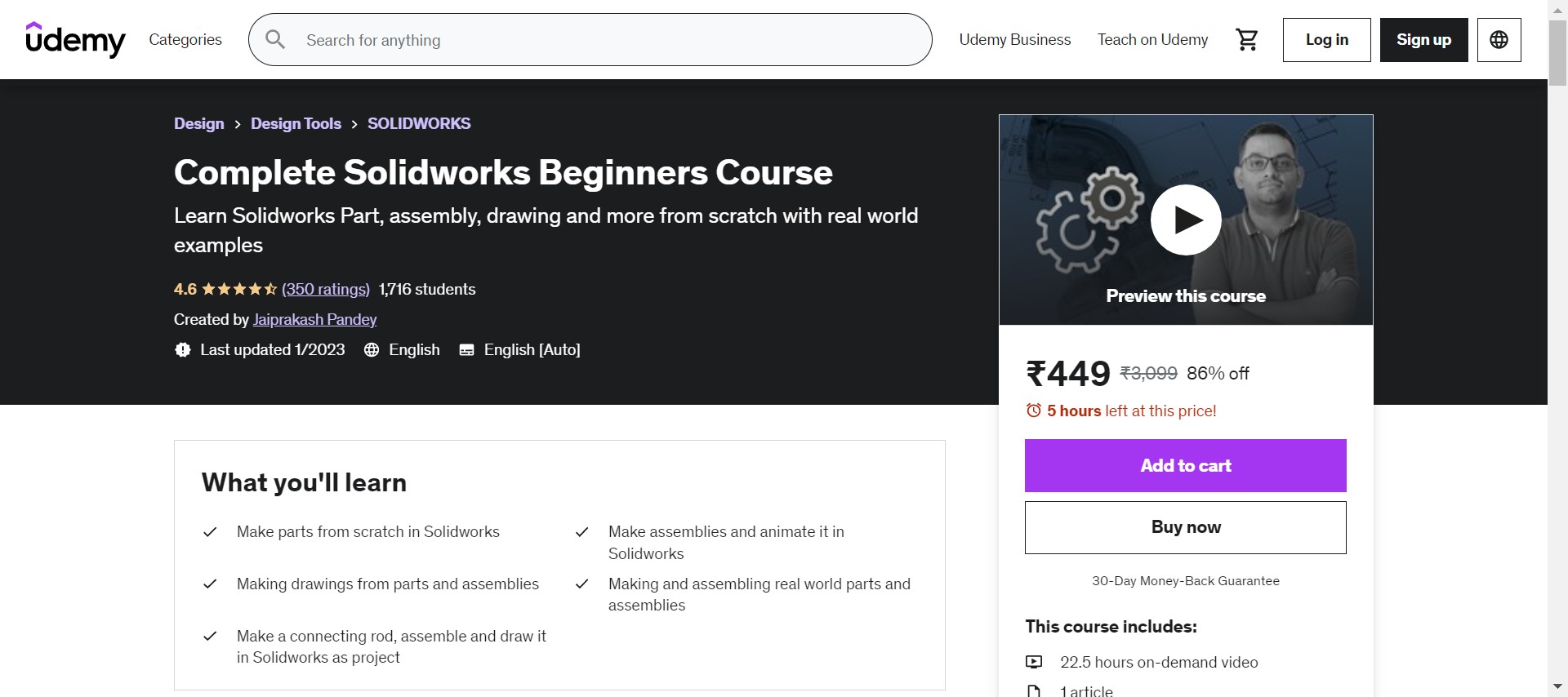
Imagine Being Able to Learn Solidworks from A Corporate Trainer Who Trains for Govt Organizations and The Military and Is the Author of One of The Best-Selling Cad Books! Jaiprakash Pandey’s Udemy Course Is an Answer to Your Search for The Best Solidworks Online Courses.
Every Chapter of This Course Contains a Video Lesson, and Practice Session Along with Quizzes to Challenge Your Knowledge Gained from The Chapter, Making You Intact with The Course Flow. After Completing This Course, You Will Be Able to Make Solidworks Designs from Scratch in A Production-Ready Manner!
Topics Covered:
- User Interface Overview
- Navigation Tools
- View and Visual Style
- Starting a Command
- Setting Units
- Saving Templates
- Using a Dedicated 3-D Mouse
- Customizing User Interface Tools
- Design Intent
- Practice Exercise
Rating: 4.6
Duration: 23 Hours
Certificate: yes
Pros: Quick Replies for Doubts in Q & A Sections.
Cons: lengthy Course.
8. Learning Solidworks [LinkedIn Learning]
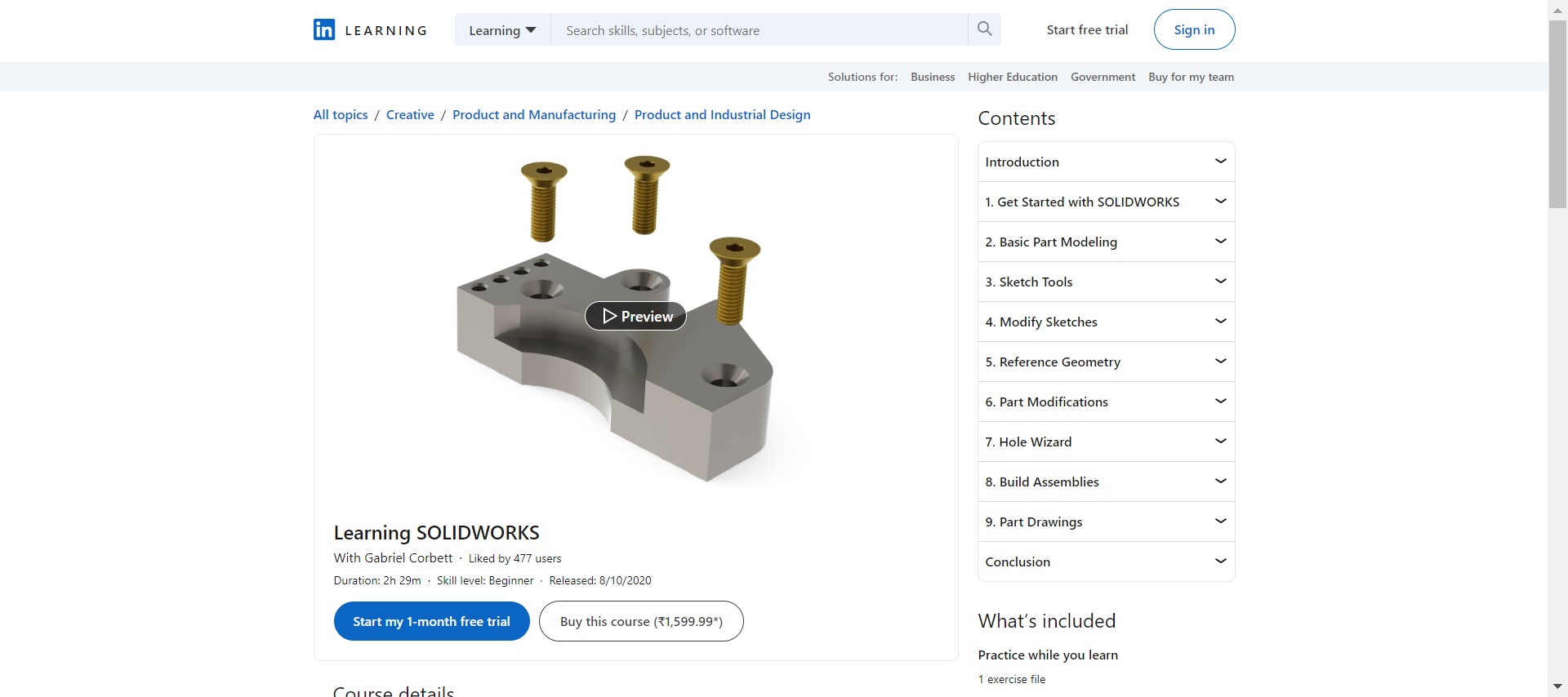
Looking Forward to Mastering the Solidworks Software and Becoming a Skilled Designer? Don’t Worry, and We Have Just the Apt Course for You. This Beginner-Level Linked Learning Course Is a Great Way for You to Master All the Solidworks Basics and Get on With Designing Models in A Professional Way.
This Course by Gabriel Corbet, the Principal Mechanical Engineer at Tiger Industrial Industry, Will Help You Master the Software’s Most Essential Tools Along with Gaining Skills in 2 D and 3 D Modeling, Adding Fillets, Building Reference Plains, Trimming and Extending Geometry, and More!
Topics Covered:
- Basic Part Modeling
- Sketch Tools
- Modify Sketches
- Reference Geometry
- Part Modifications
- Hole Wizard
- Build Assemblies
- Part Drawings
Rating: 4.8
Duration: 2.5 Hours
Certificate: yes
Pros: one of The Best Online Solidworks Courses.
Cons: NA
9. Solidworks Courses [3DS]
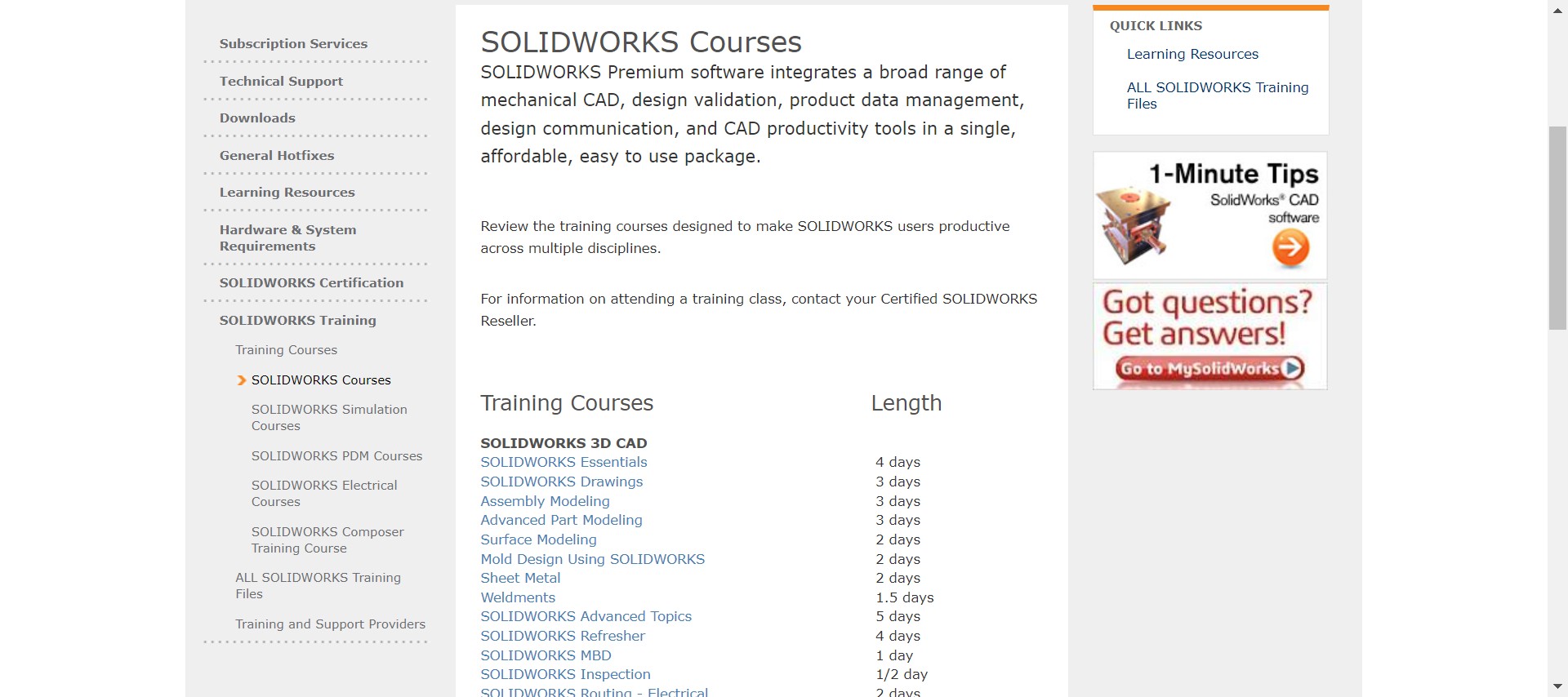
What Else Could Be a Better Way to Master All that Is There to Learn About Solidworks from The Official Creators Themselves? This Official Set of Courses Includes On-Demand Videos from Professionals to Walk You Through Various Features and Tools of Solidworks that Consist of Simulation Courses, Pdm Courses, Training Courses, and Electrical Courses.
With Official Study Materials and Assistance, This Course Is One of The Best Solidworks Online Courses to Master the Software. The Variable Set of Courses Offered by Solidworks Will Let You Not Stop After One Course but Keep Going on To an Advanced Level of Training in Solidworks.
Topics Covered:
- Sheet Metals
- Solidworks Inspection
- 3 D Conceptual Design
- Designing Pipes and Tubes in 3-D Format
- Api Fundamentals, Etc
Rating: 4.6
Duration: variable
Pros: official Courses from Solidworks.
Cons: lesser Assistance Compared to Other Courses.
10. Learning Solidworks: For Students, Engineers, and Designers [Udemy]
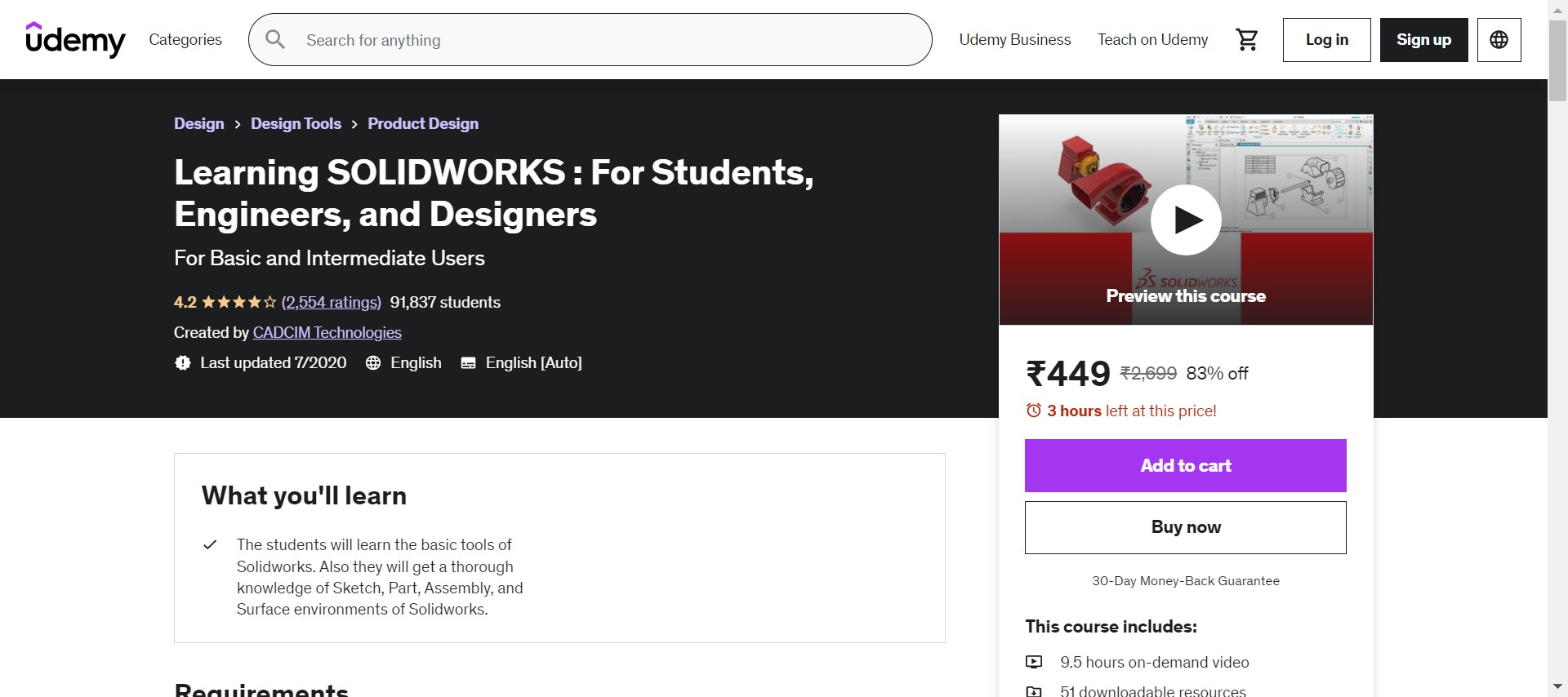
Are You a Working Professional? a Student? a Designer? If Your Answer Is Yes for Either of These Questions and You Are Looking for A Course to Master Solidworks, Your Search Ends Right Here! This Is a Udemy Course Tailor-Made for Literally All Kinds of People Who Are Passionate to Learn Solidworks.
You Can Learn All About the Basic Tools of Solidworks with This Course, Even if You Are Completely New to The Software. Such a Beginner-Level Approach Makes This Course Learner-Friendly, and It Slowly Makes You Go Through All the Features, Letting You Grasp All of The Techniques of Designing.
Topics Covered:
- Introduction to Solidworks and Its User Interface
- Drawing Sketches for Solid Models
- Editing and Modifying Sketches
- Adding Relations and Dimensions to Sketches
- Advanced Dimensioning Techniques and Basic Feature Options
- Creating Reference Geometries
- Part Modeling (Basic and Advanced)
- Practice Examples
Rating: 4.2
Duration: 9 Hours
Pros: an Excellent Introduction to Solidworks and One of The Best Solidworks Online Courses.
Cons: Some Reviewers Complained About the Usage of Background Music and The Length of Chapters.
11. Solidworks: Become a Certified Professional Today (CSWP) [Udemy]

To Master, the Art of Designing and Pour out Your Skills as An Engineer, Software Like Solidworks Is a Must. Here Comes a Full Stop to Your Search for Solidworks Online Courses.
With More than 2 K Ratings, This Udemy Course Will Act as A Bridge for Your Dream of Becoming a Solidworks Certified Professional. You Need Not Have Any Pre-Requisite Skills to Take up This Course, and You Can Easily Learn Your Way Through the Comprised Chapters. Knowing that No Learning Will Ever Be Completed, Tayseer, the Author of This Course, Who Is Highly Skilled in Solidworks, Has Designed This Course in Such a Way that You Will Be Able to Self-Learn Even After It Is Completed.
Topics Covered:
- Introduction and Benefits of Solidworks
- Features Bundle
- Design Tables and Configuration
- Assemblies Advanced Mates
- Assemblies Deep-Dive
Rating: 4.6
Duration: 4 Hours
Pros: an Excellent Introduction to Solidworks.
Cons: some Reviewers Complained About the Usage of Background Music and The Length of Chapters.
12. Solidworks Training [MySolidWorks]
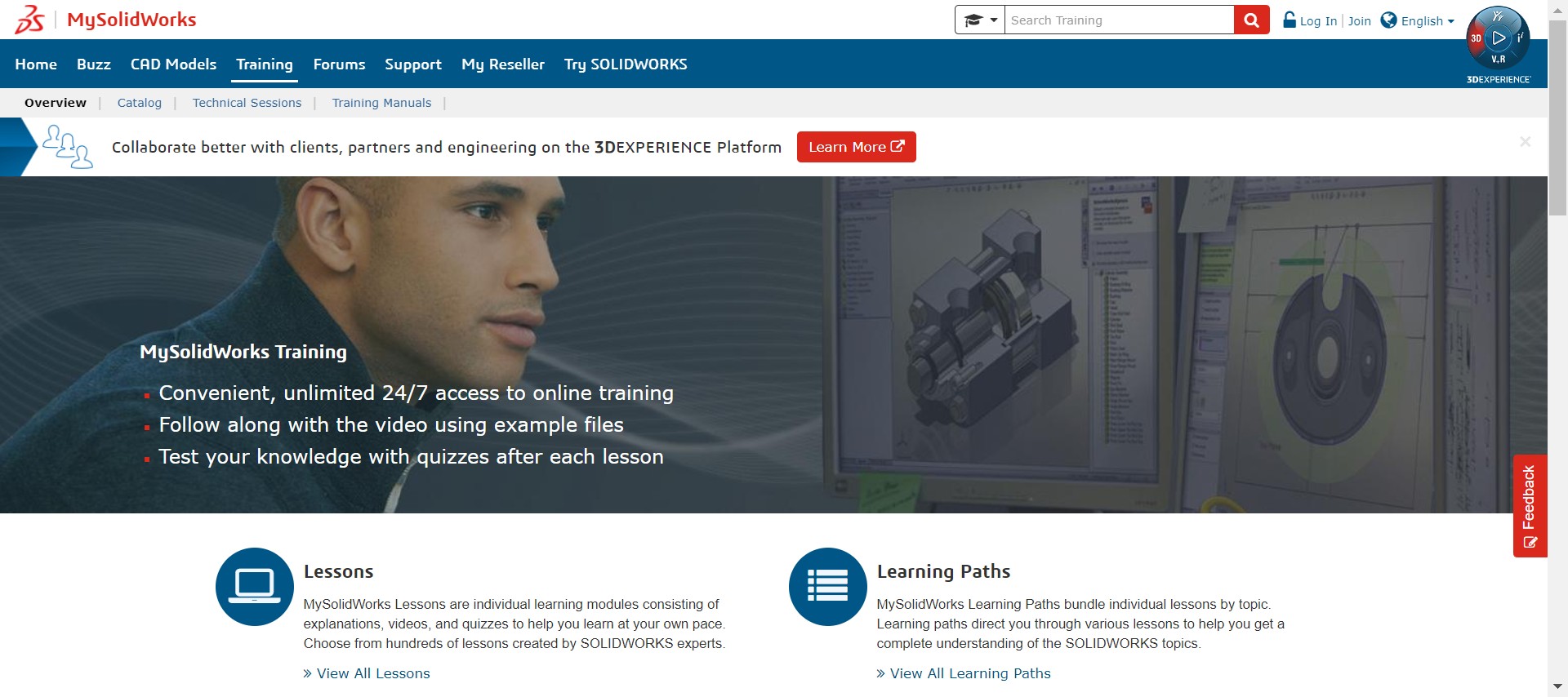
Mysolidworks Is a Platform Dedicated to Solidworks and Is a Home to Few of The Best Solidworks Online Courses. If You Are Looking for Study Materials to Help You Through the Way to Becoming an Expert in Solidworks, You Should Definitely Check This Up.
You Can See a Variety of Courses Here and Can Choose as Per Your Requirement of Learning. With 24/7 Access to Online Training Through On-Demand Video Materials to Assist You Along with Quizzes to Test Your Knowledge, You Will Be More Inclined Toward the Topics Discussed in This Course.
Topics Covered:
- Sketching
- Basic Features
- Assemblies
- Mass Properties
- Reference Geometry
- Advanced Part Modeling
- Advanced Assembly Modeling, Etc.
Rating: 4.4
Duration: variable
Pros: The One-Stop for All Solidworks Training Materials and A Wide Range of Topics to Choose From.
Cons: NA
Which Is Better, AutoCAD or Solidworks?
AutoCAD or SOLIDWORKS? If you, too, have stumbled upon this point, our answer for you is that there is no definite choice here! You heard it right. Rather than choosing one over the other here, you must know why both of them are used and then decide based on your requirements.
AutoCAD is a 2D CAD design tool from the house of Autodesk. Being a specialist in 2D modeling is what AutoCAD is known for. Even though it comes with 3D modeling features, those will never be enough if you’re creating 3D models from scratch.
Likewise, Solidworks is a 3D CAD software. This means if your quest is for software that could lead you all the way through making a 3D design, Solidworks is just for you. Having said that, Solidworks can be used to create 2D drafts. But if you want to make 2D models from scratch using Solidworks, the answer will be a big no.
In short, AutoCAD and Solidworks are two different software that is complementary when it comes to the features and tools included in them. It is your requirement for a design that will ultimately let you know which one to choose.
Do You Need a Good PC for Solidworks?
Wondering whether you’ll require a machine with a good set of features to make SOLIDWORKS work smoothly? The answer is yes. We strongly recommend not installing Solidworks on less capable systems. As the software is mainly used for 3D designing, the system capacity would normally be demanding. Although the final say on this depends on the size of the project, you’ll be handling.
If you are looking for what kind of PC will support SOLIDWORKS, we will suggest you look for one with a decent RAM capacity and an SSD drive to ensure smooth performance. In addition, having an additional mouse rather than a touchpad is recommended for a flawless design.
We’re listing the system requirements for the latest Solidworks 2022 version below:
Operating System: Windows 7 or newer. The software is not allowed in Mac or Linux environments.
Memory: A minimum capacity of 16 GB of RAM is recommended.
Storage: A minimum of 12 GB of storage is suggested for installation. Please keep in mind that this is the recommended storage capacity if no other related additional packages are installed.
Conclusion
With the above list of Solidworks online courses, you will be able to master all the features of Solidworks and use your skills to design your next innovative idea. Get enrolled in one of them now and make your resume boast all about your professional skills as a Certified Solidworks Professional!





Please reply with
Instructor Details and experience
Course material, Video books or pdf file?
Practice software licensee
Duration