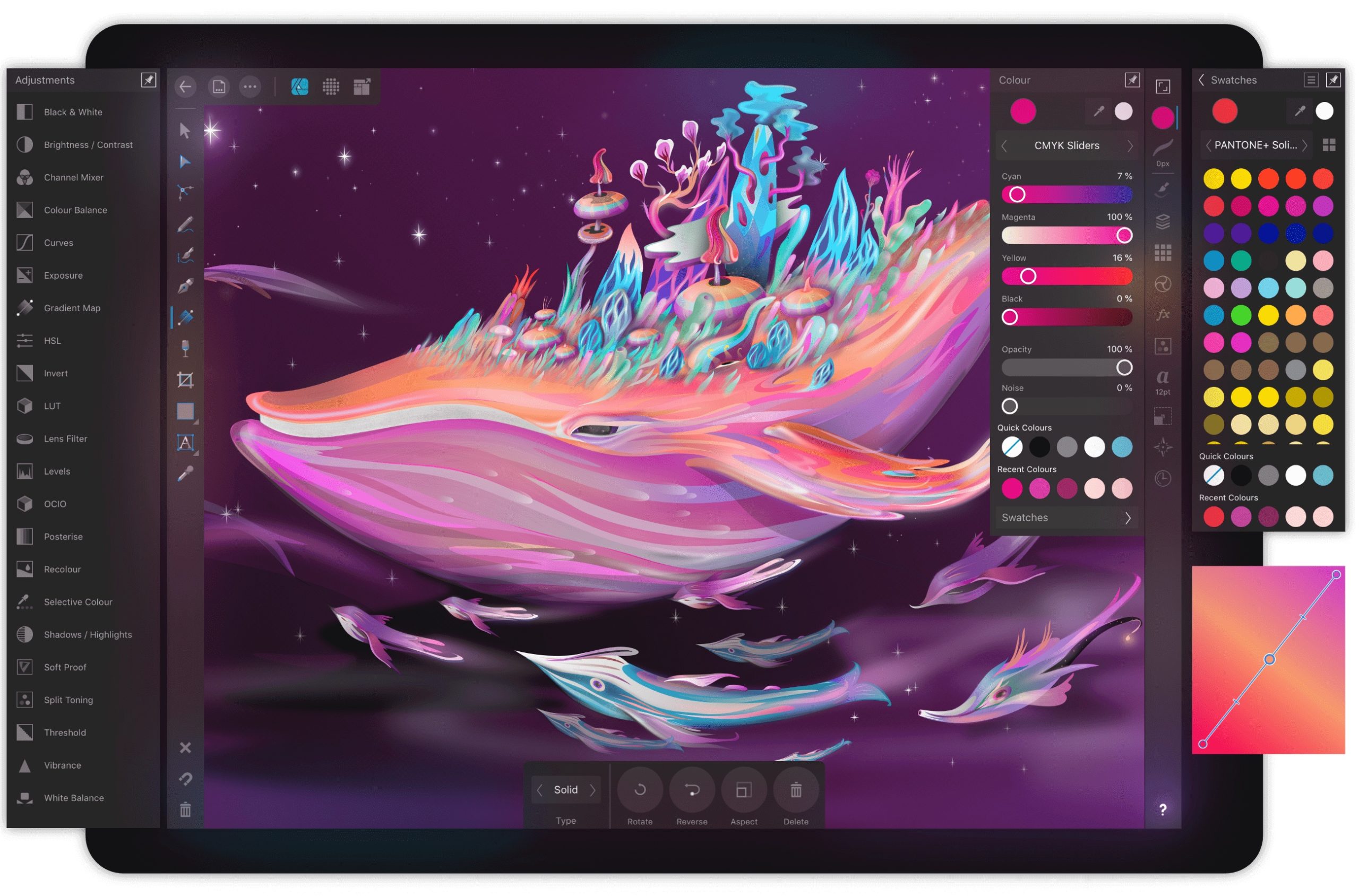
Affinity Designer is an innovative vector graphics software designed to help creatives bring their ideas to life. Whether you’re a graphic designer, illustrator, or digital artist, Affinity Designer offers powerful tools and features that allow you to easily create stunning designs.
If you are a designer looking to expand your skill set or a newcomer to the digital design world, taking an Affinity Designer course can help you achieve your goals and create professional-quality designs that will leave a lasting impression. These courses offer a variety of options for all skill levels, from beginner to expert, and are designed to help you develop your skills and create stunning designs using this powerful software.
So why wait? Sign up today and start your journey toward becoming a design master.
List of Best Online Affinity Designer Courses
1. iPad Surface Design in Affinity Designer [SkillShare]
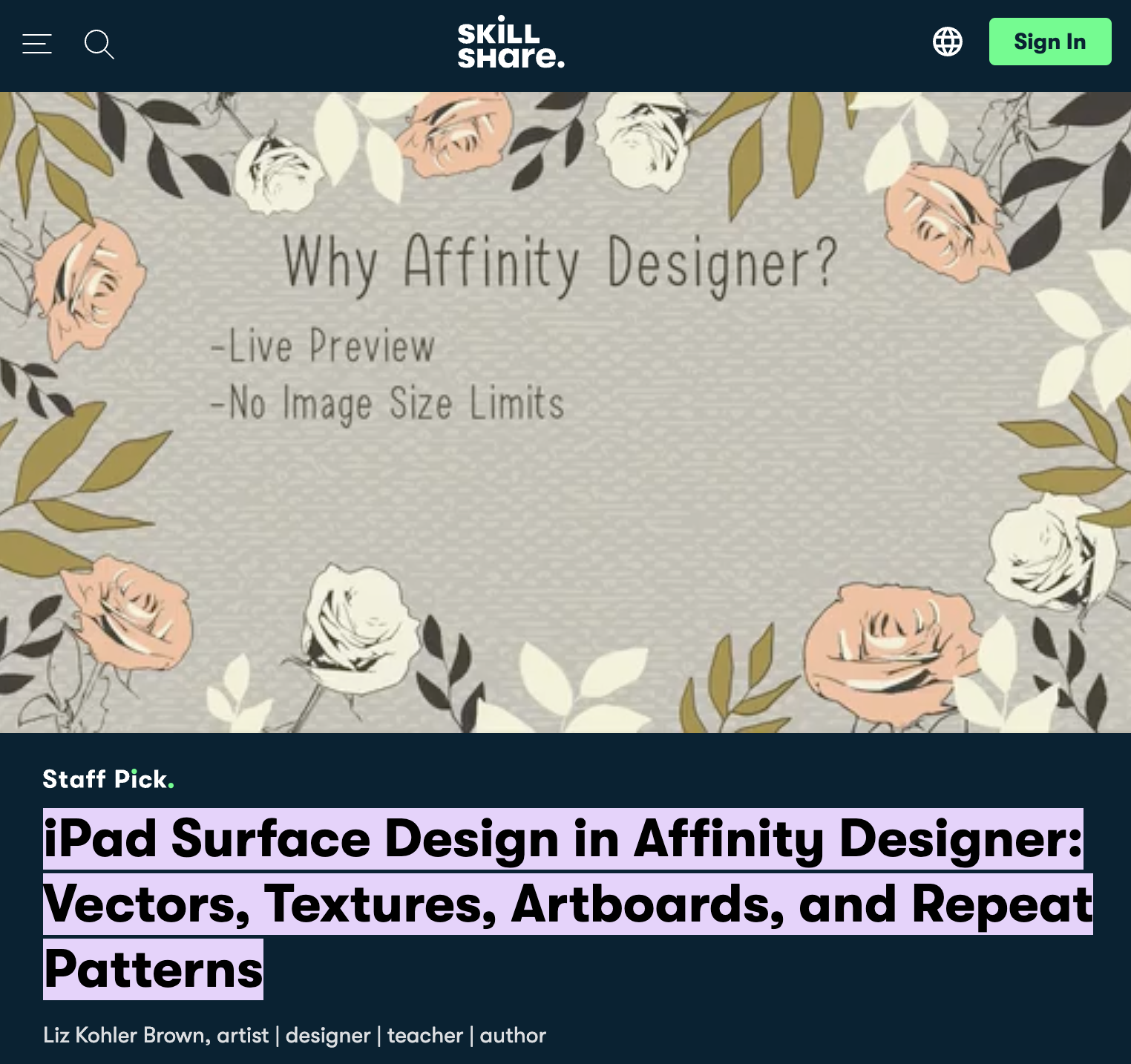
This Course is taught by Liz Kohler Brown, a graphic designer, and illustrator with an MFA in art. The Course focuses on teaching to master stunning designs and amazing patterns. The Course is available on Skillshare and is enrolled by more than 6000 students.
Students will learn to master the gallery settings and will gain an understanding of different tools like drawing pens, pencils, brushes, etc. A large community of students will come together on the platform to learn, which will make it comfortable and interesting to learn.
Course Details:
Level – Intermediate Level
Duration – 2 hours 45 minutes (23 bite-sized videos)
Certification of completion – No
Paid Course – 7 days free trial and 30 days money-back guarantee
2. The Affinity Designer Crash Course [Udemy]
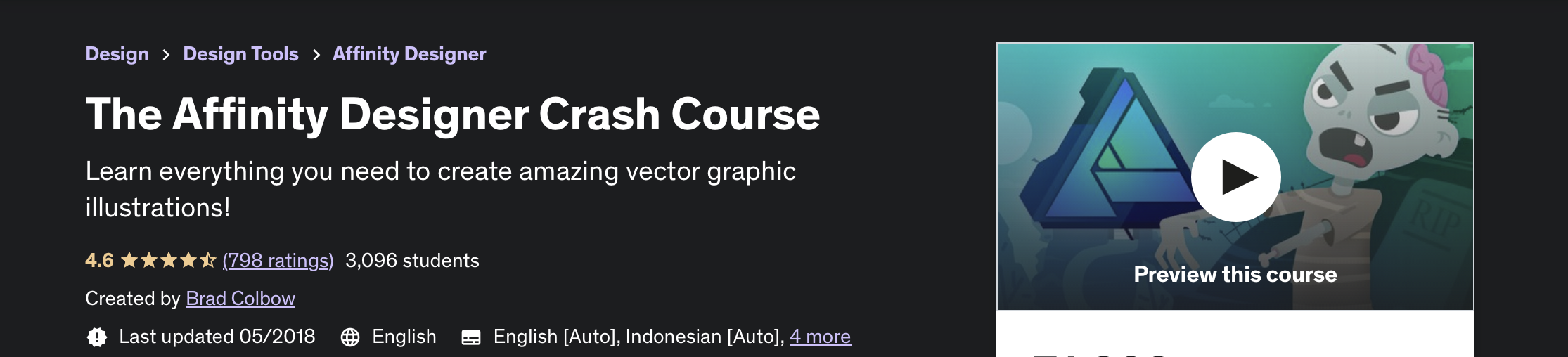
This is an easy-to-go course where students will learn all the tools necessary to turn their sketches into finished, professional-looking vector artwork.
Brad Colbow is the instructor of this Course who also runs his own YouTube channel precisely devoted to technology and illustration. In this course, he will teach you to create posters by simply dividing them into small pieces rather than making them complicated. Also, a project with graphic illustration is there at the end to sum up your learnings using the tools.
Course Details:
Level – Beginner Level
Duration – 3 hours 30 minutes (26 lectures)
Certificate of completion – Yes
Paid Course – 30 days money-back guarantee
3. Affinity Designer Essential Training [LinkedIn]
This Course is created by Ronnie McBride, who is a designer as well as an artist. The Course will start by breaking down the different task-specific work environments Affinity calls personas. Next, the drawing tools will be shown, such as the pen and the corner tool, and the brush panel, will also be introduced. Finally, the Course is developed keeping in mind the stages through which one should go to attain that perfection in design. The Course focuses on the basics to start with and then proceeds to create designs by setting up margins, shapes, drawing vector lines, etc.
Course Details:
Level – Beginner level
Duration – 3 hours (48 videos)
Certificate of completion – Yes
Paid – 1 Month free trial and cancel anytime
4. Vector Drawing on the iPad with Affinity Designer [Udemy]
This Course was created by Brad Colbow, who developed the Course in a manner that starts with the smaller pieces and moves to the poster as a whole, giving it that amazing factor that is appealing in its looks and showcases a wonderful design. He is a recommended faculty at Udemy because of the experience he has gained throughout the years.
Course Details:
Level – Beginner level
Duration – 4 hours 30 minutes
Certificate of completion – Yes
Paid Course – 30 days money-back guarantee
5. Affinity Designer for UX Design [LinkedIn]
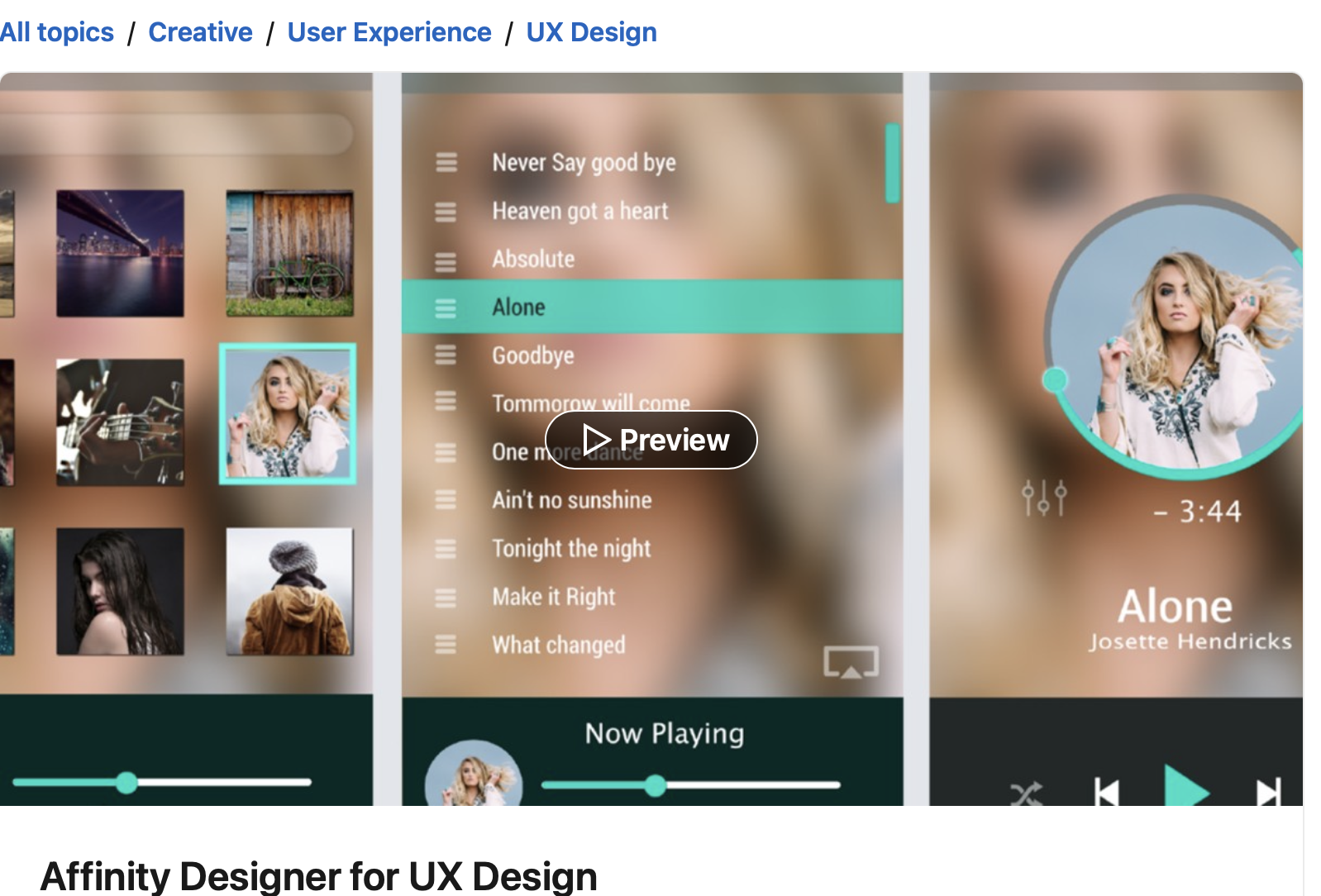
This Course was created by Ronnie McBride, considered one of the top faculty at LinkedIn because of how he has created and presented different courses. This course is for people who want to gain some about UX Design or who are already aware of UX Design and want to enhance their skills. Here you are taught to use the versatile toolset in Affinity Designing.
Course Details:
Level – Intermediate Level
Duration – 2 hours
Certificate of completion – Yes
Paid – 1 Month free trial and cancel anytime
6. The Complete Guide to Affinity Designer 1.7 [Skillshare]
This Course is developed by Jeremy Hazel. The 7th season studios is an educational company run by Jeremy himself which focuses on equipping individuals with the skills they need to master the art. This course will make you understand working with shapes and how to play around with them by resizing them, and it also allows you to practice by providing you with 3 hands-on projects to complete.
Course details:
Level – Beginner level
Duration – 2 hours 30 minutes
Certification of completion – No
Paid Course – 7 days free trial and 30 days money-back guarantee
7. Vector Logo Design in Affinity Designer [Udemy]
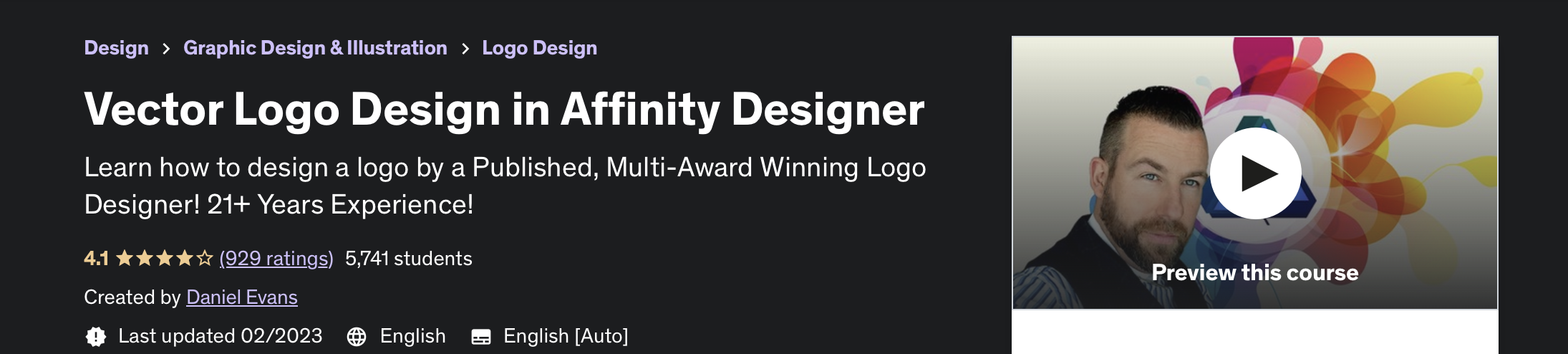
This Course is one of the best Affinity designer courses available online. This particular Course is created by Daniel Evans and gives you a basic insight into designing logos. It comes with all the tools required for creating and understanding logos, like an artboard tool, pen tool, transparency tool, etc. Right from planning the logo to saving the files, everything is covered in this Course.
Course Details:
Level – Beginner level
Duration – 4 hours of on-demand video
Certificate of completion – Yes
Paid Course – 30 days money-back guarantee
8. Affinity Designer on the iPad Volume 1 [Skillshare]
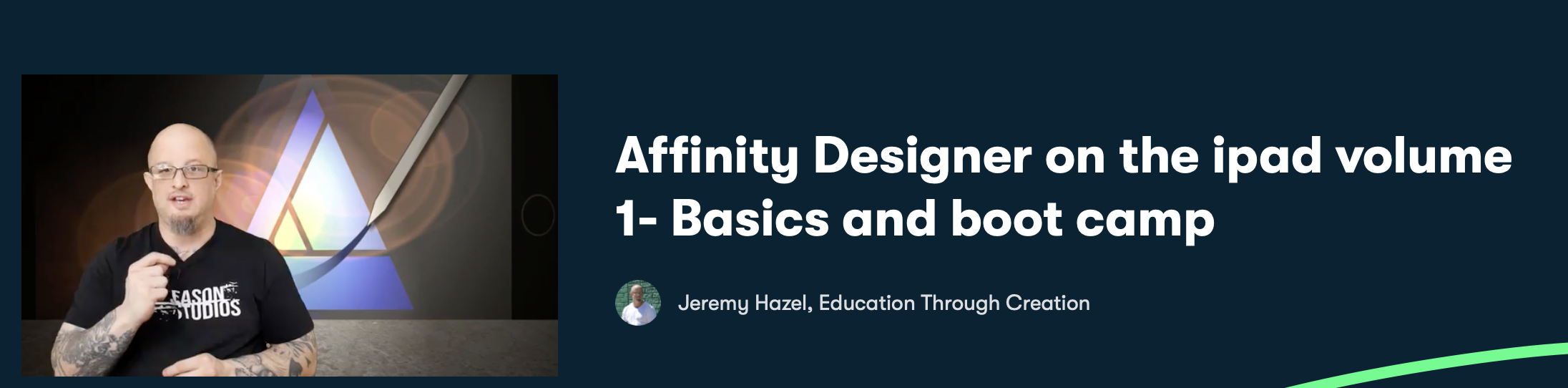
If you have an iPad and have an inclination toward designing art, then this is the Course for you. This Course begins by teaching the very basics of designing, which includes designing an emoji at first and then creating shapes and vector art, using layers and the basics of the interface, and so on. The developer of this Course is Jeremy Hazel.
Course Details:
Level – Beginner level
Duration – 1 hour 1 minute (11 lessons)
Certification of completion – No
Paid Course – 7 days free trial and 30 days money-back guarantee
9. Affinity Designer: The Complete Guide to Creating Vector Art [Udemy]
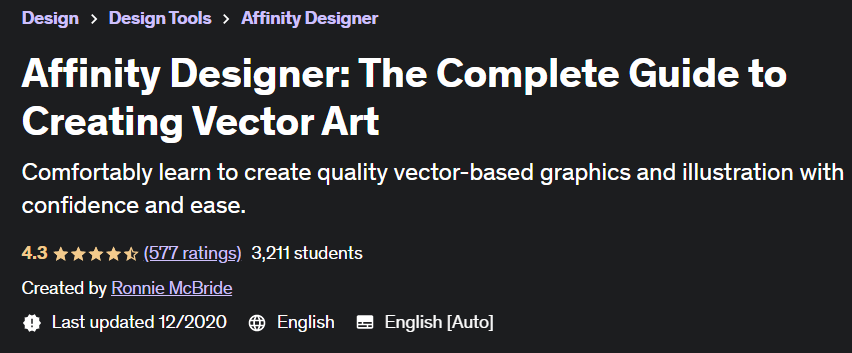
This Course, created by Ronnie McBride, gives an understanding of vectors and pixels, Affinity Designer studio, and Affinity Designer’s vector/pixel hybrid workflow. This particular Course focuses on working on simple techniques and producing the highest yields using those. This course provides you with a basic understanding of creating designs.
Course Details:
Level – Beginner level
Duration – 5 hours of on-demand video (30 lectures)
Certificate of completion – Yes
Paid Course – 30 days money-back guarantee
Conclusion
Learning Affinity Designer Course can equip you with the skills and knowledge to create stunning designs while being cost-effective, time, and user-friendly.
Overall, Affinity Designer Courses are a great way to learn this powerful software and develop your graphic design skill. With a variety of options available, it’s easy to find a course that fits your learning style and skill level.
These courses can mark your presence as a graphic designer.