
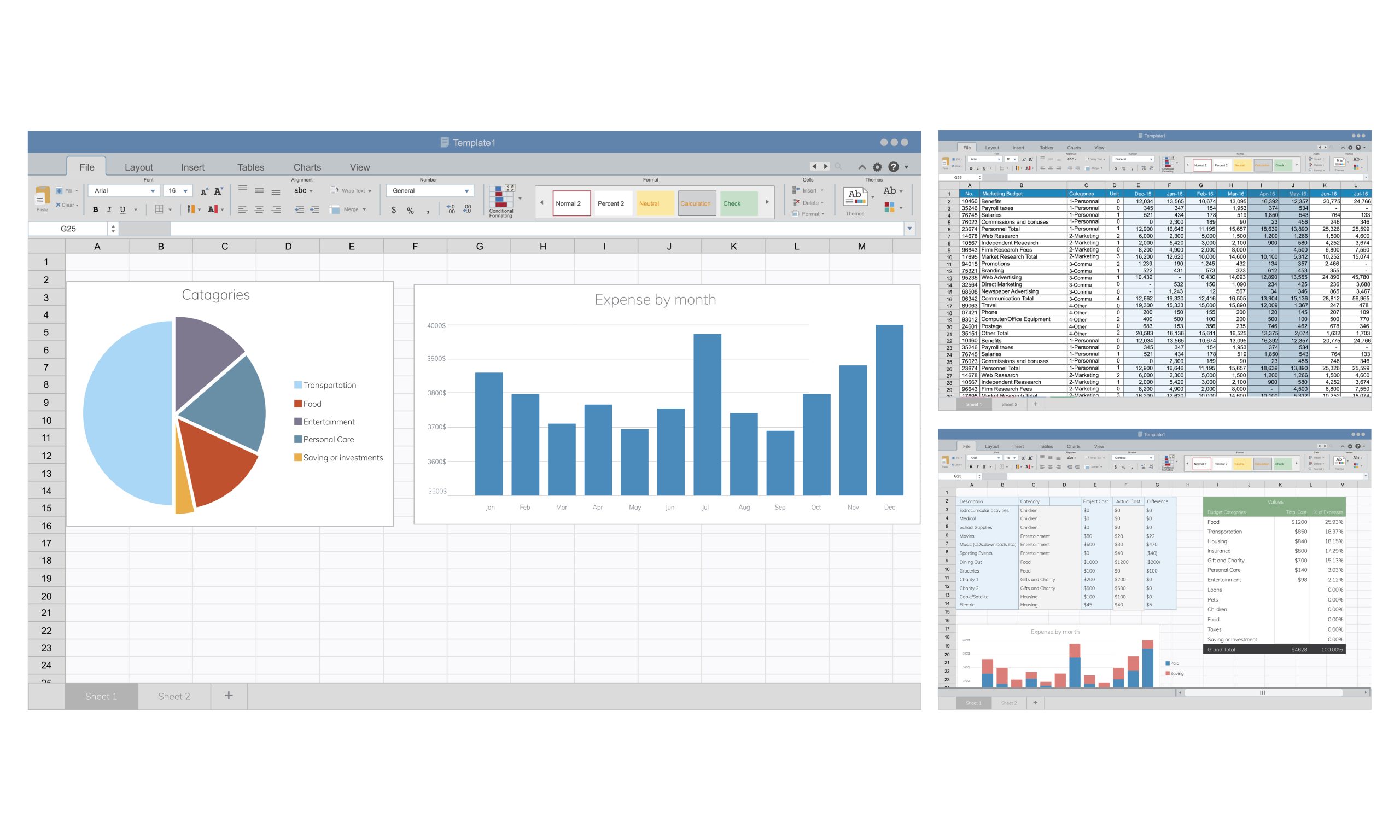
Today, proficiency in Excel is a valuable asset that can set you apart from other candidates. Companies of all sizes rely on Excel for everything from budgeting to forecasting, and proficiency in the software can lead to more job opportunities and increased earning potential.
So whether you’re an accountant, analyst, marketer, or just looking to improve your skills, learning Excel is a smart investment in your future.
Moreover, the courses listed below are the best Excel course free and designed to be accessible to learners of all levels, from complete beginners to experienced users.
Many of the courses offer step-by-step guidance and real-world examples, allowing you to learn at your own pace and apply your new skills immediately.
Top Free Online Courses To Learn Excel Online
1. Everyday Excel Specialization [Coursera]
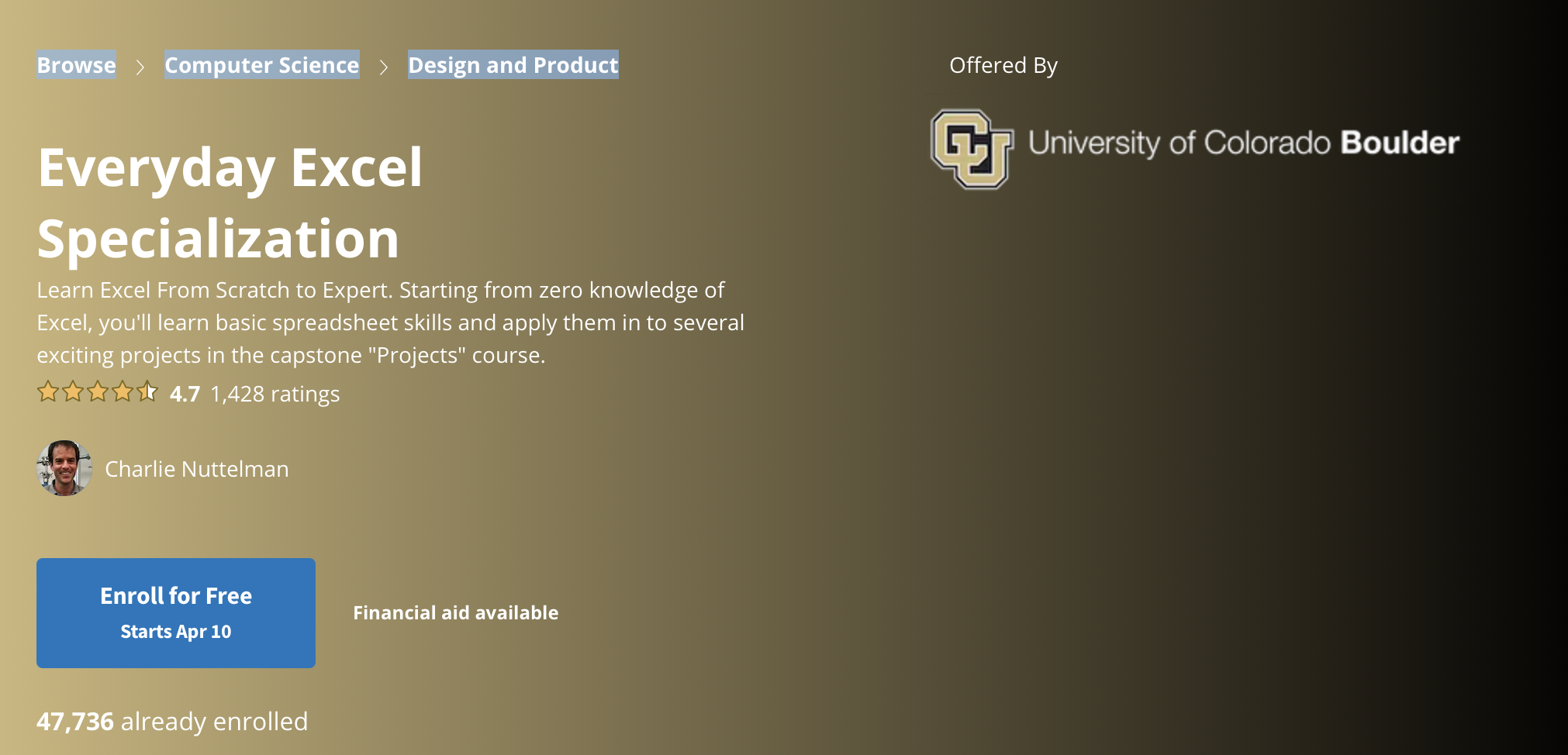
This best Excel course free is intended to assist students in becoming more proficient with Excel. Everyone who wants to learn how to use Excel for professional and personal tasks, such as budgeting, data analysis, and project management, should take this course.
Cost: Free
Duration: 4 Months to Complete
Level: Beginners
2. Introduction to Data Analysis using Microsoft Excel [Coursera]
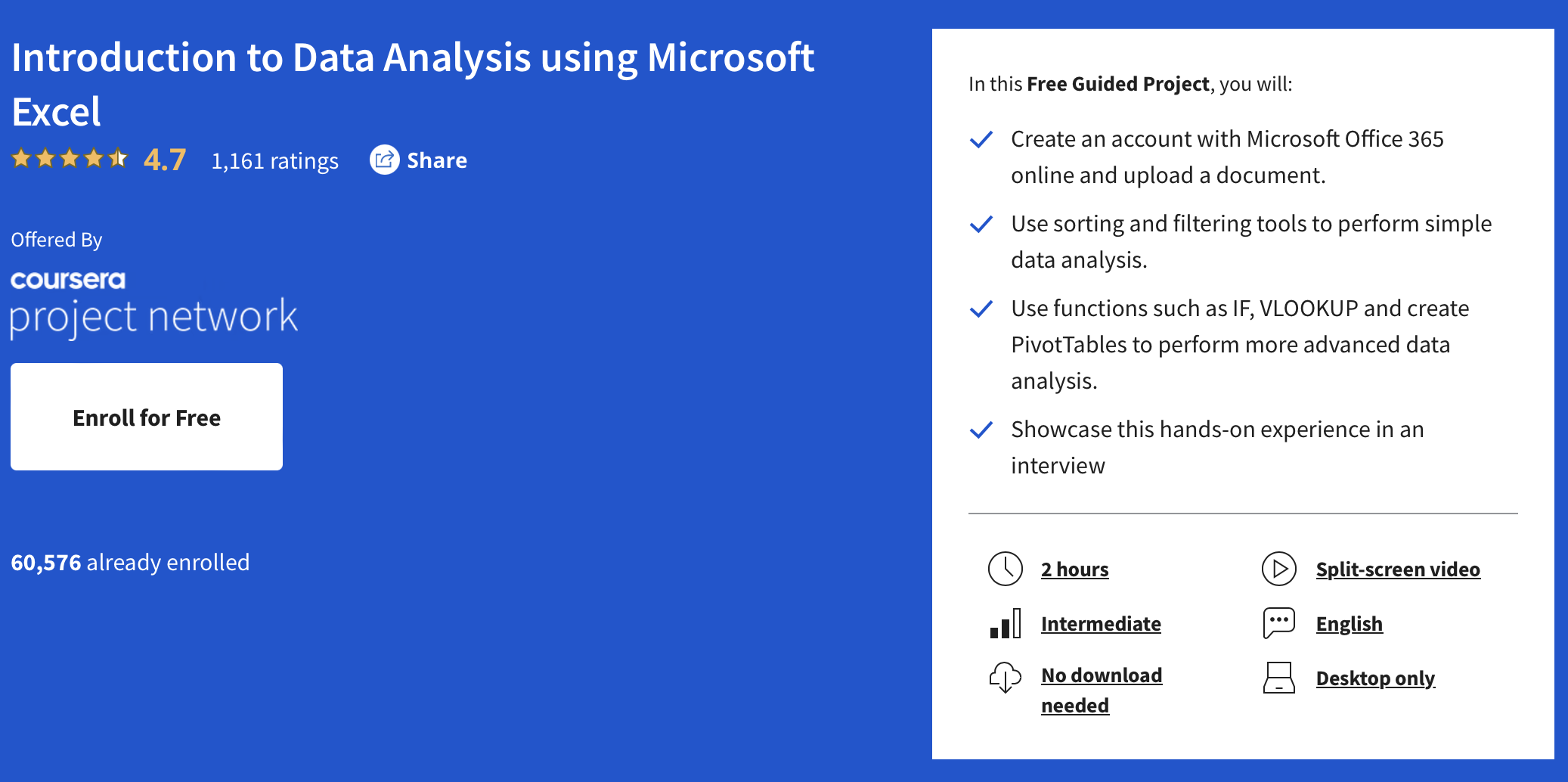
This project-based course from Coursera gives students the skills necessary to use Microsoft Excel for data analysis. Anyone interested in learning how to sort, filter, and analyze data and dealing with sales data from a sample company should take this course.
Cost: Free.
Duration: 2 Hours
Level: intermediate
3. Excel for Sales Professionals [LinkedIn Learning]
A LinkedIn premium account can be quite helpful if you work in sales because it gives you free access to the course catalog. The free online Excel course is one such course that can be a useful addition to your skill set.
Cost: Free
Duration: 2 Hours and 42 Minutes
Level: Beginners.
4. Excel 2016 [Edu GCF Global]
This Excel course is created especially for beginners and covers the essential ideas of Microsoft Excel 2016. The interactive course provides detailed instructions on how to use Excel to carry out a number of activities, including making spreadsheets, formatting data, using formulas and functions, and making charts and graphs.
Cost: Free
Duration: NA
Level: Introductory
5. Excel Exposure’s Free Excel Course [Excel Exposure]
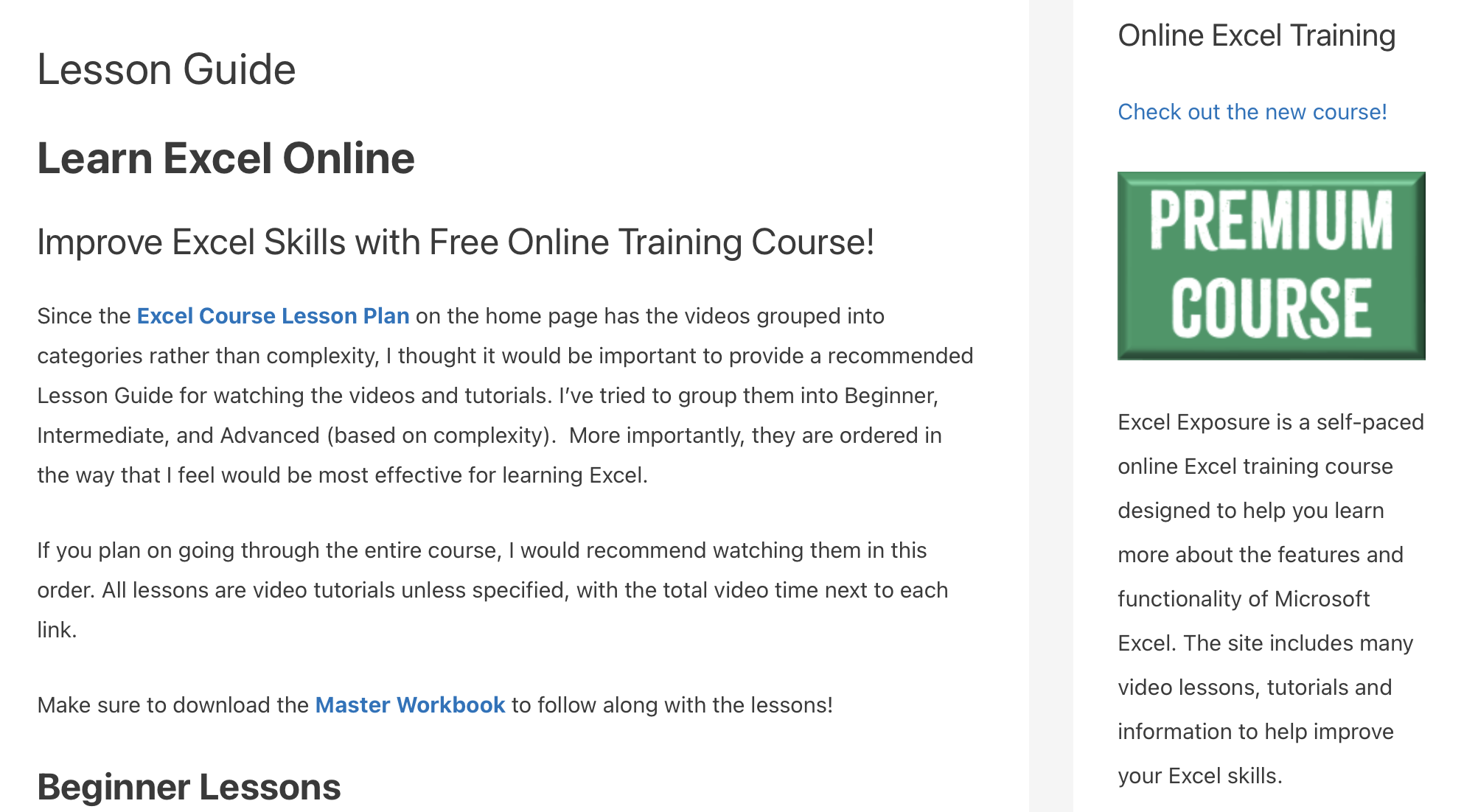
The lessons are straightforward to understand. They are grouped into beginner, intermediate, and advanced levels so students can jump right in wherever they feel comfortable. In addition, the platform provides a downloadable workbook and Excel cheat sheet to use in conjunction with the video tutorials.
Cost: Free
Duration: 1 Hour and 9 Minutes
Level: Introductory
6. Ten Excel Features Every Analyst Should Know [Udemy]
With only 30 minutes of instruction, this best Excel course free course is manageable and simple to follow. The lecturer demonstrates how to use Excellent Excel capabilities using examples familiar to every analyst. In addition, the materials taught in the course should be in any analyst’s toolkit because of their well-organized design.
Cost: Free
Duration: 30 Minutes
Level: Intermediate
7. Excel Quick Start Tutorial: 36 Minutes to Learn the Basics [Udemy]
This course is designed to help beginners learn the basics of Excel, including data entry and editing, formatting, pivot tables and charts, simple formulas, Excel functions like IF and VLOOKUP, and filtering and sorting data. With these skills, students can create a simple sales analysis report that can inform important business decisions.
Cost: Free
Duration: 36 Minutes
Level: Beginner
8. Useful Excel for Beginners [Udemy]
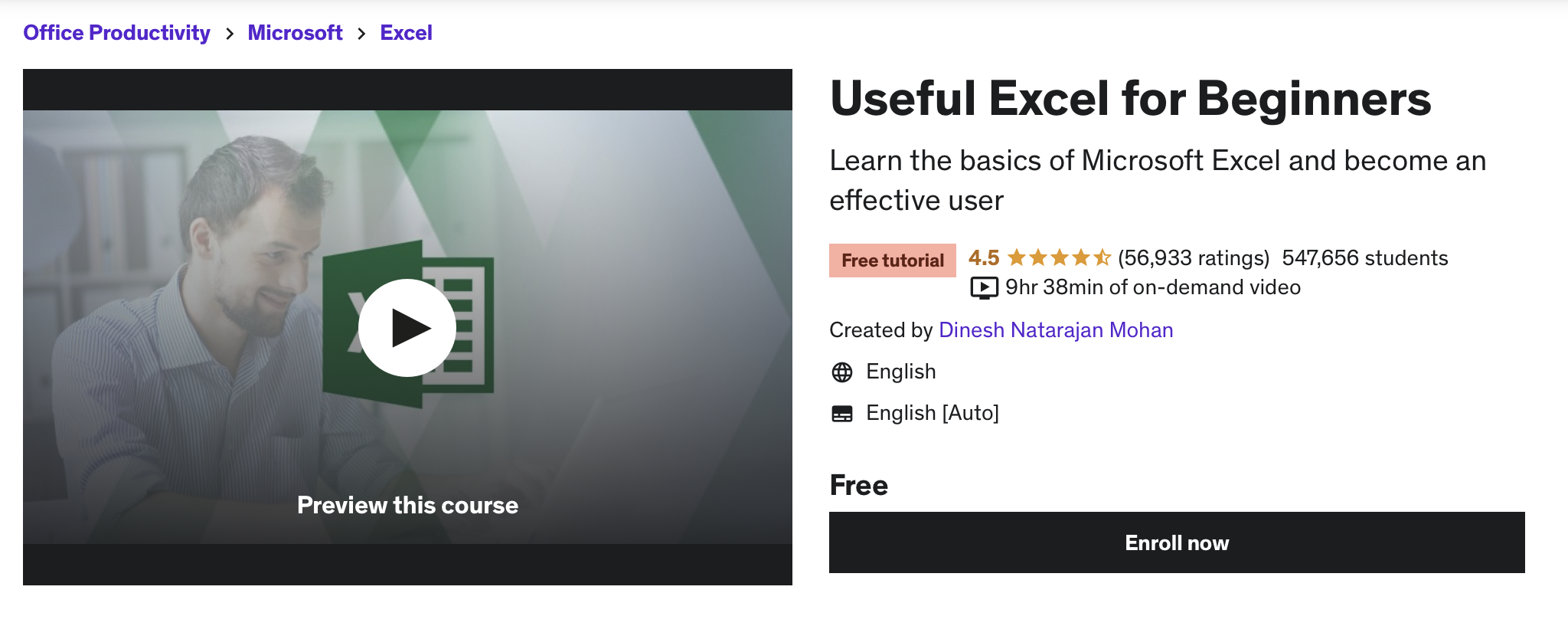
You will learn the fundamentals of Excel in this course and become a proficient user. The course’s intended audience consists of novice Excel users and those who have never used it. Since you will be practicing as you go through the course, you will need a copy of Microsoft Excel for Windows. In this best Excel course free, you’ll learn all the fundamentals of Excel.
Cost: Free
Duration: 9 hours and 48 minutes
Level: Beginner
9. Create Charts and Dashboards Using Microsoft Excel [Coursera]
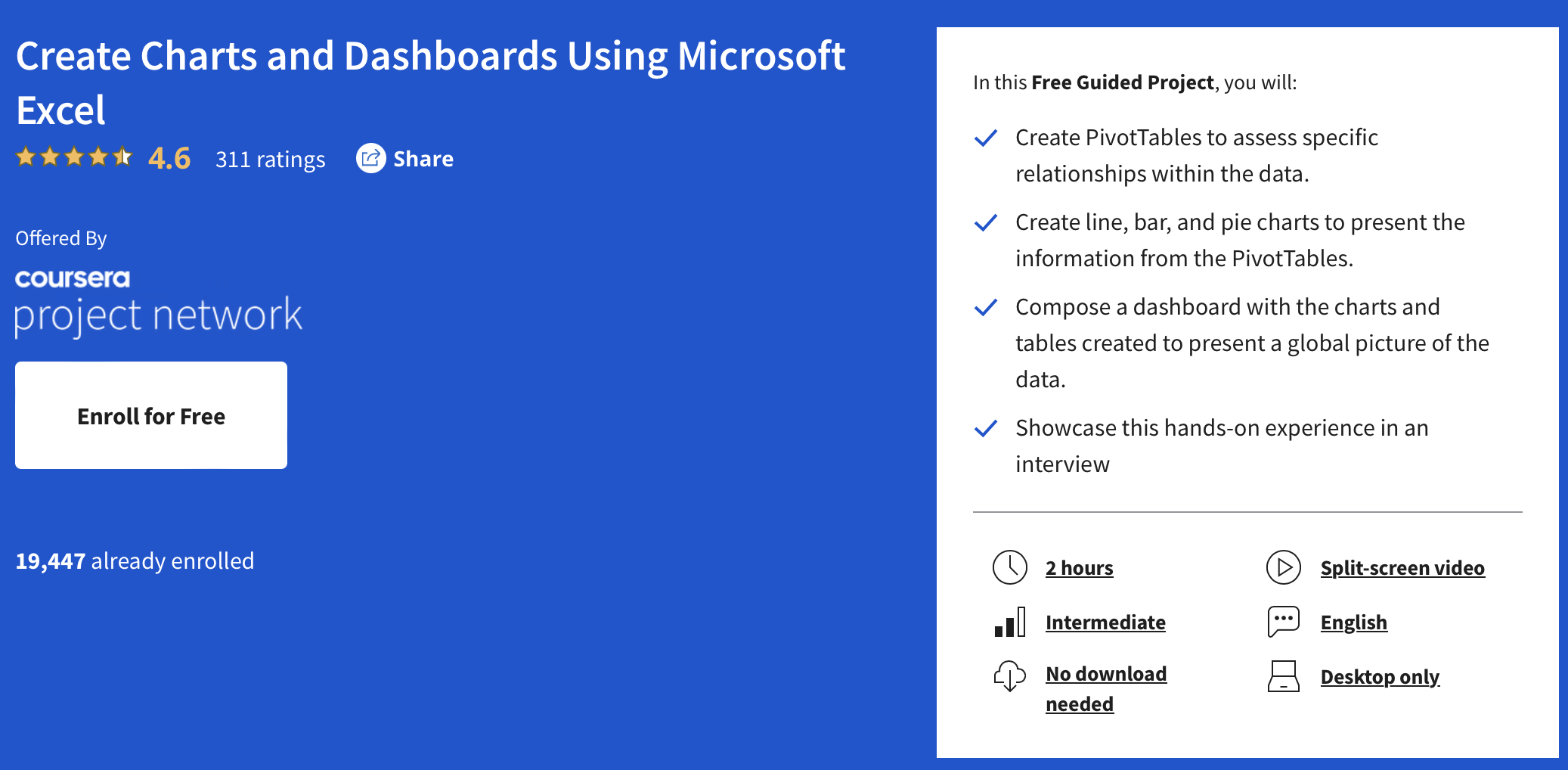
In this project-based course, you will learn how to create PivotTables, line, bar, and pie charts, and compose a dashboard using Microsoft Excel. The course is designed to give you hands-on experience and practical skills that you can showcase in an interview or in your current job. By the end of this best Excel course, free, you will be able to present a global picture of the data by creating a dashboard that includes charts and tables created with Excel. The course is suitable for intermediate users who want to enhance their Excel skills.
Cost: Free
Duration: Approximately 2 hours
Level: Intermediate
10. Excel for Windows Training [Support Microsoft]
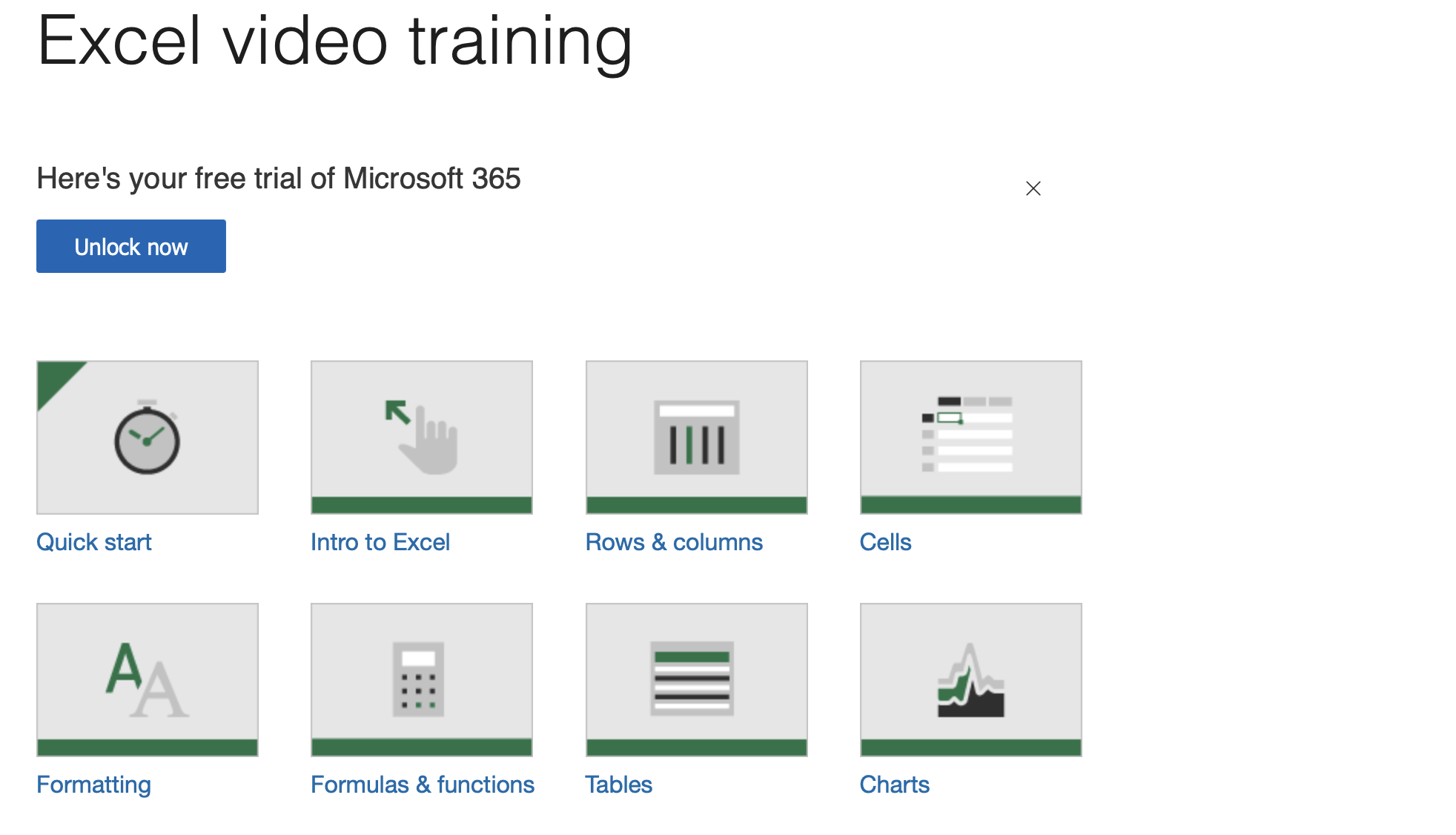
Microsoft offers its own training in its Office 365 Training Center, which includes 14 modules with tutorials, videos, and other resources for learners to learn Excel from the ground up. The training covers the latest version of Excel and offers tutorials for older versions as well. The modules are divided into skill levels, making it easy for learners to find the right material based on their experience level. The training is free and offers a good user experience with high-quality instruction.
Cost: Free
Duration: NA
Level: Introductory to advanced
11. Introduction to Microsoft Excel 2010 [Udemy]
This course covers a range of Excel skills for users at different proficiency levels, from basic data entry and formatting to more advanced features like pivot tables, macros, and charting. It is designed to be accessible and easy to follow, with hands-on exercises and practical examples. This best Excel course free and geared toward beginners.
Cost: Free
Duration: 1 Hour and 11 minutes.
Level: Beginner
Final Words
Learning Microsoft Excel is wise because it may help you stand out from the competition, open up more job prospects, and boost your earning potential.
The top 11 free Excel courses mentioned above include step-by-step instructions and practical examples and are made to be accessible to students of all skill levels. Whether you’re an analyst, marketer, accountant, or someone who wants to improve at Excel, these classes can help you.
Thus, make the most of the resources at your disposal and get started on your path to Excel mastery right away. You can Excel in this career if you put in effort, commitment, and a willingness to learn.
Frequently Asked Questions
Why is Learning Excel Important in Today’s Time?
Learning Excel is important as it can set you apart from other candidates, open up more job opportunities, and increase your earning potential. In addition, companies of all sizes rely on Excel for various tasks, such as budgeting, forecasting, and data analysis.
What are the Benefits of Taking the Free Excel Courses?
The courses listed are designed to be accessible to learners of all levels, from complete beginners to experienced users. They offer step-by-step guidance and real-world examples and are free of cost, making them a smart investment in your future.
Why Should I Learn Excel?
Learning Excel can set you apart from other candidates, lead to more job opportunities, and increase your earning potential. It is a valuable asset for professionals in various fields.
What Kind of Businesses or Industries Use Excel?
Companies of all sizes and industries rely on Excel for everything from budgeting to forecasting, so proficiency in the software can be beneficial in any field.
How Do I Choose the Right Excel Course for Me?
Consider your current skill level, the specific skills you want to learn, as well as the duration and level of the course. Review the details of each course before enrolling to determine if it meets your needs.